Motors and Drivers
Motors and drivers — SG90 servo, 28BYJ-48 stepper motor and L298N, A4988, TMC2208/TMC2209, ULN2003 driver modules. For robots, robot arms, 3D printers, CNC and automatic doors.
Motors and Drivers — buying guide
The motor provides motion, but the board pin is not powerful enough to drive it directly. That’s why in the Motors and Drivers section you choose a motor together with the driver that controls it.
Which one to choose?
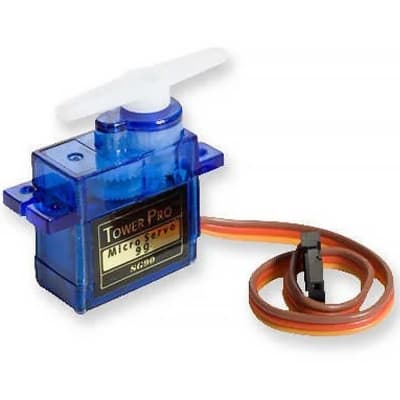
- Servo Motor: when you need to rotate to a specific angle. The SG90 comes with its own built‑in driver.
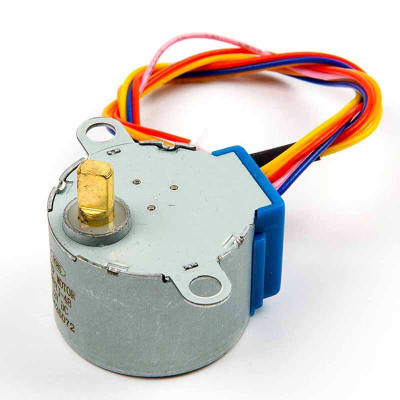
- Stepper Motor: when you need rotation in precise steps. The 28BYJ-48 is for small mechanisms.
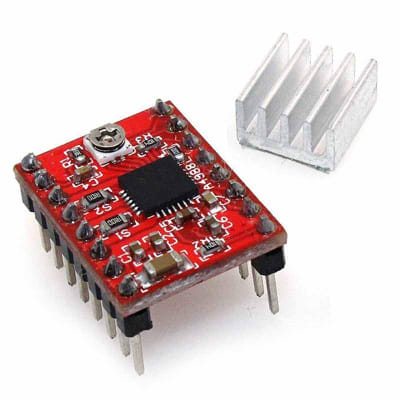
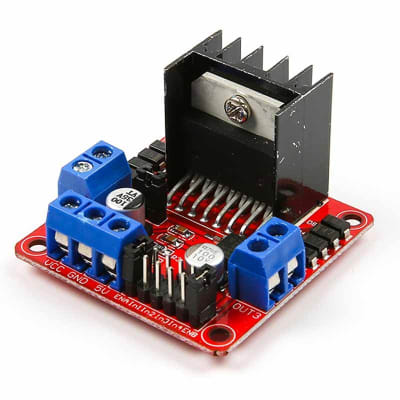
- Motor Drivers: to control DC and stepper motors. For example, L298N and A4988.
Which driver for which motor?
- DC motor: rotates continuously. Speed is controlled by PWM, direction by an H-bridge, which is what the L298N does.
- Servo: no separate driver is needed; the board sets the angle with a single signal pin.
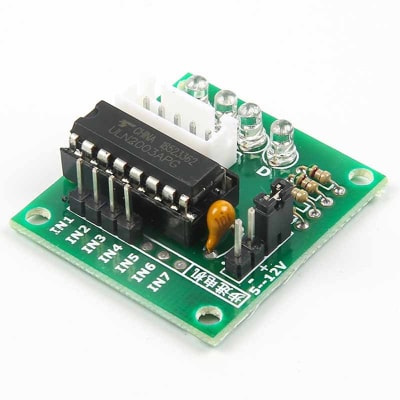
- Small unipolar stepper motor: ULN2003.
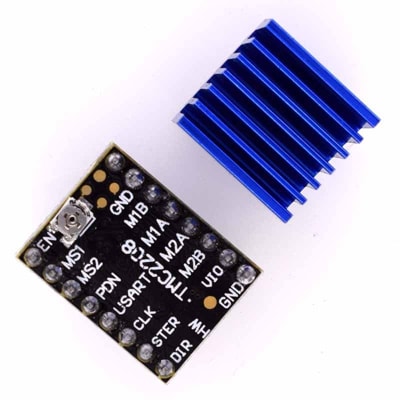
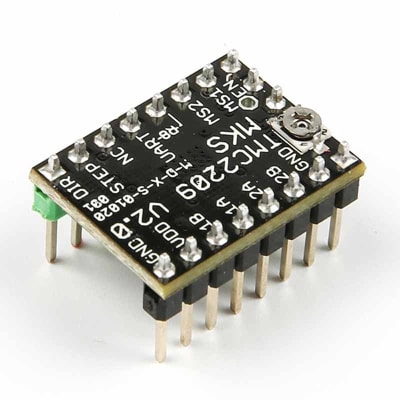
- Bipolar stepper motor: A4988, or TMC2209 if you want quieter operation.
Why isn’t the motor connected directly to the board pin?
An Arduino pin can supply only a few tens of milliamps, while even a small motor draws hundreds of milliamps. On top of that, when the motor stops, the voltage spike induced in the winding can burn the pin. The driver handles this current, and the board only provides the control signals.
Typical projects
- Two‑wheeled obstacle‑avoiding robot.
- Robot arm that holds its angle precisely.
- Small CNC mechanism driven by a stepper motor.
Related categories
Which motor should I choose for a robot?
Use DC motors with an L298N for the wheels. Use a servo to rotate a sensor or for an arm. If you need precise positioning, use a stepper motor.
Why does the board restart when the motor starts?
When the motor starts, it causes the supply voltage to drop. Power the motor from a separate supply and connect the GNDs together.